Throughout each unit you will work through text, video, images, interactive media and engaging activities to test yourself as you consider the different ideas and evidence presented to you.
Here are some examples from each of the units:
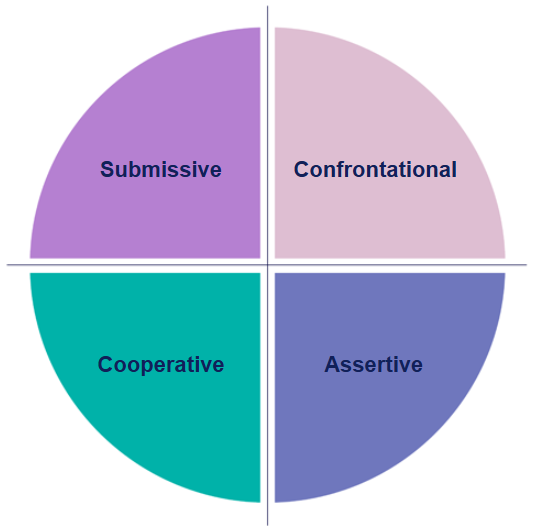
Unit 2 Communication styles interactive (Figure 2 screenshot)
Show description|Hide descriptionA screenshot of Figure 2 ‘Communication styles’ interactive from Unit 2 Section 2.
A circle divided into four equal quadrants by a vertical and horizontal line. Each quadrant is a different colour and labeled with a communication style: top left ‘Submissive’ (purple), top right ‘Confrontational’ (light pink), bottom left ‘Cooperative’ (teal), and bottom right ‘Assertive’ (blue).
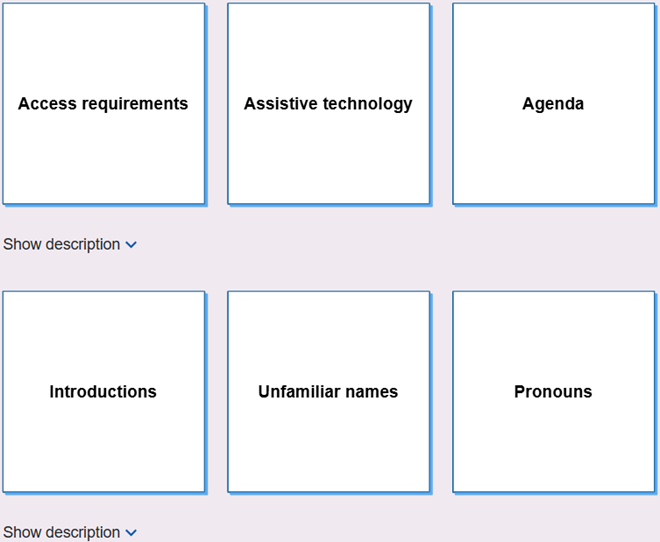
Unit 3 Ensuring inclusive online meetings flip cards (screenshot)
Show description|Hide descriptionA screenshot of the ‘Ensuring inclusive online meetings’ flip cards interactive from Unit 3 Section 5. A grid of six white square cards with blue borders, arranged in two rows of three. The top row is labeled ‘Access requirements’, ‘Assistive technology’, and ‘Agenda’. The bottom row contains cards labeled ‘Introductions’, ‘Unfamiliar names’, and ‘Pronouns’.
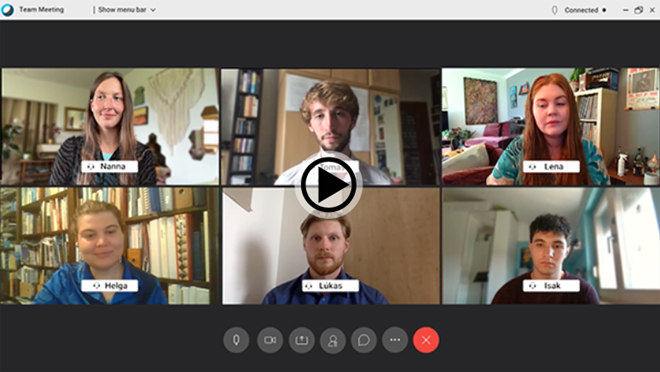
Unit 4 Using humour in a positive way (screenshot)
Show description|Hide descriptionA screenshot of ‘Using humour in a positive way’ (Video 1) from Unit 4 Activity 2.
A screenshot of an online team meeting with six participants displayed in a 3×2 grid. Each participant appears in their own video window, with their names shown on labels beneath each window. The meeting interface includes standard video call controls along the bottom, such as camera, microphone, screen share, chat, participants, and leave meeting buttons.
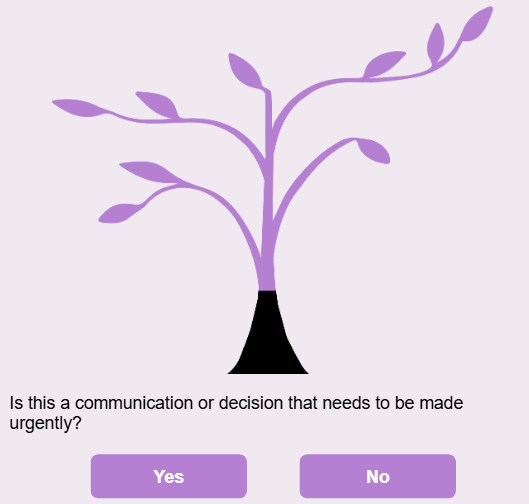
Unit 5 Meeting or email decision tree (screenshot)
Show description|Hide descriptionA screenshot of ‘Decision tree: meeting or email?’ from Unit 5 Activity 1.
An illustration of a stylised tree with light purple branches and leaves. Beneath the tree is the question ‘Is this a communication or decision that needs to be made urgently?’ Two purple buttons labelled ‘Yes’ and ‘No’ are shown below the question.
Next, you’ll be introduced to the Social Identity Wheel which is a key tool used throughout the course to help you consider some of the nuanced aspects in online meeting scenarios.