What is MFA
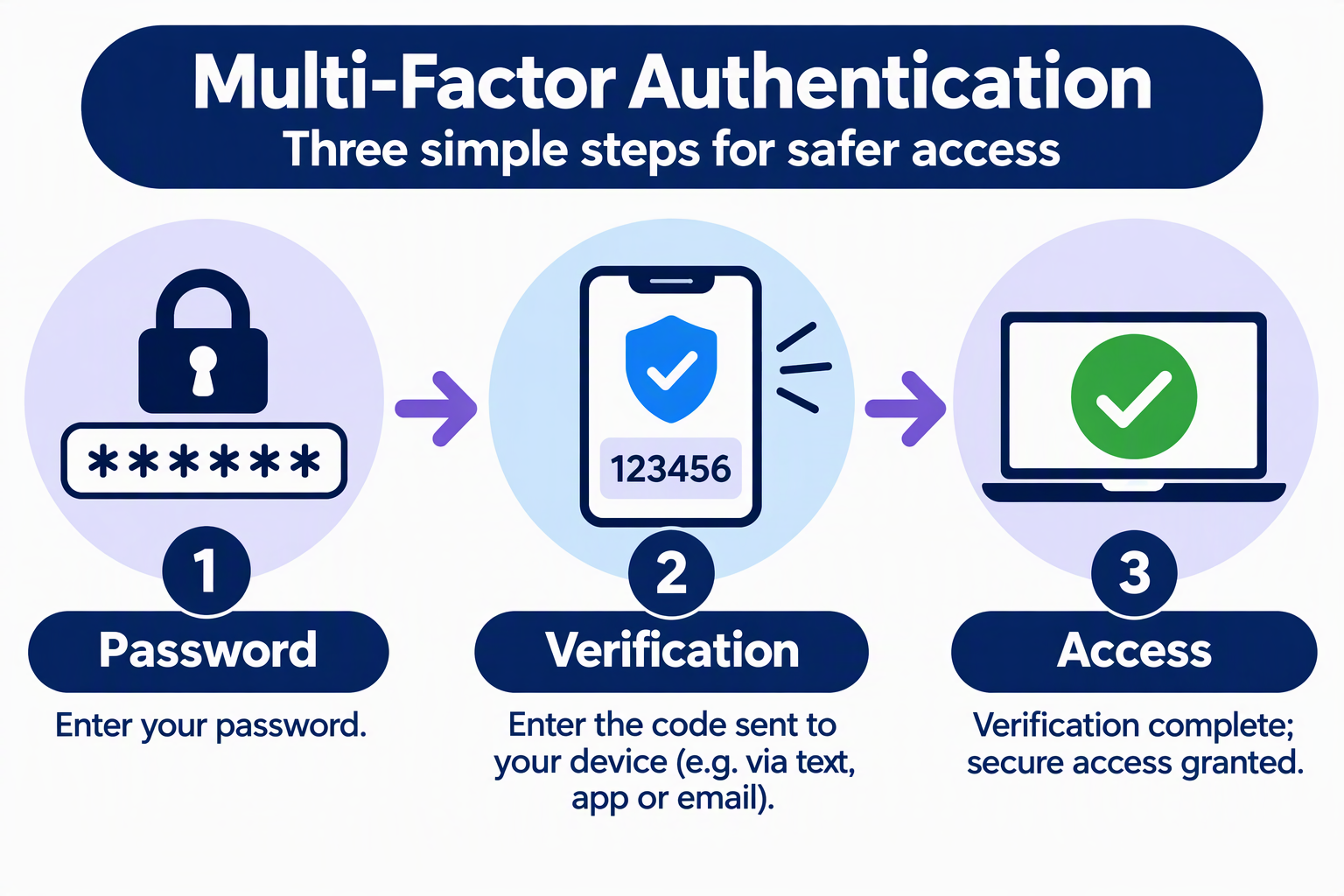
MFA is one of the most effective methods of protecting online accounts. It provides an extra layer of security beyond a password by requiring an additional factor to confirm that the person accessing an account is who they say they are.
What this means for OpenLearn Create users
From Tuesday 1 December, learners will be prompted to confirm an email address to receive an MFA code when they first log in. Once they’ve completed this step, instead of signing in with just your password, you'll also be asked to verify your identity using a second method, like email, an SMS text or an authenticator app. This helps protect your account and personal information, even if someone knows your password.
How often you'll need to use MFA
You won't normally be asked to verify every time you sign in on the same device. You may be asked to use MFA again at certain times, including:
- you're signing in on a new device or browser
- you haven't signed in for a while
- you're accessing certain University services.
- How to avoid being locked out
We recommend having more than one verification method set up, for example SMS. This way you'll still be able to verify your identity if you are unable to use your usual method.
Questions and issues
If you have any questions about MFA or have difficulty logging in after this is rolled out, please contact the OpenLearn Create team.