Module 1: Introduction to Excel for Business
In this module, you will be introduced to Microsoft Excel and its role in business and finance environments. Excel is widely used to organise information, perform calculations, and support everyday decision-making across many industries.
Businesses commonly use Excel to:
- track expenses
- manage budgets
- monitor sales
- organise customer information
- analyse basic financial data
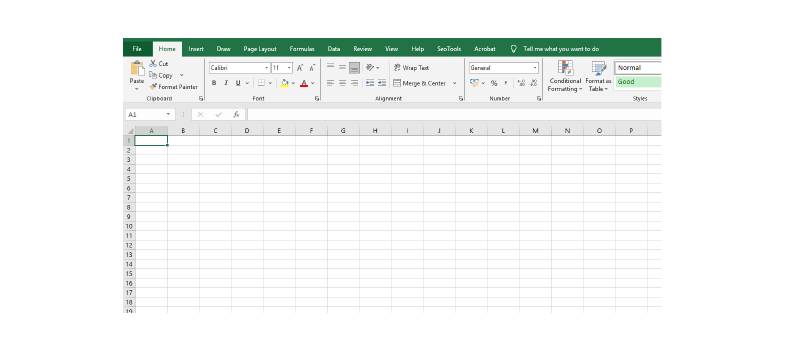
You will explore the basic layout of a spreadsheet, including rows, columns, cells, worksheets, and workbooks. You will also learn how data is entered, saved, and managed within an Excel file.
Understanding spreadsheet structure is an important foundation for using Excel effectively in professional environments.
Example:
A small business may use Excel to record product sales, calculate monthly costs, and monitor inventory levels. By organising this information clearly, businesses can improve accuracy and make faster decisions.
By the end of this module, you will be able to confidently navigate an Excel worksheet and understand how spreadsheets are structured for practical business use.
Activity:
Open Microsoft Excel and create a new workbook. Identify the rows, columns, and cells. Enter a small amount of example data, such as a list of items and prices. Save the file to your computer.
This activity helps you become familiar with the Excel environment and basic spreadsheet structure.