
Accessibility personas
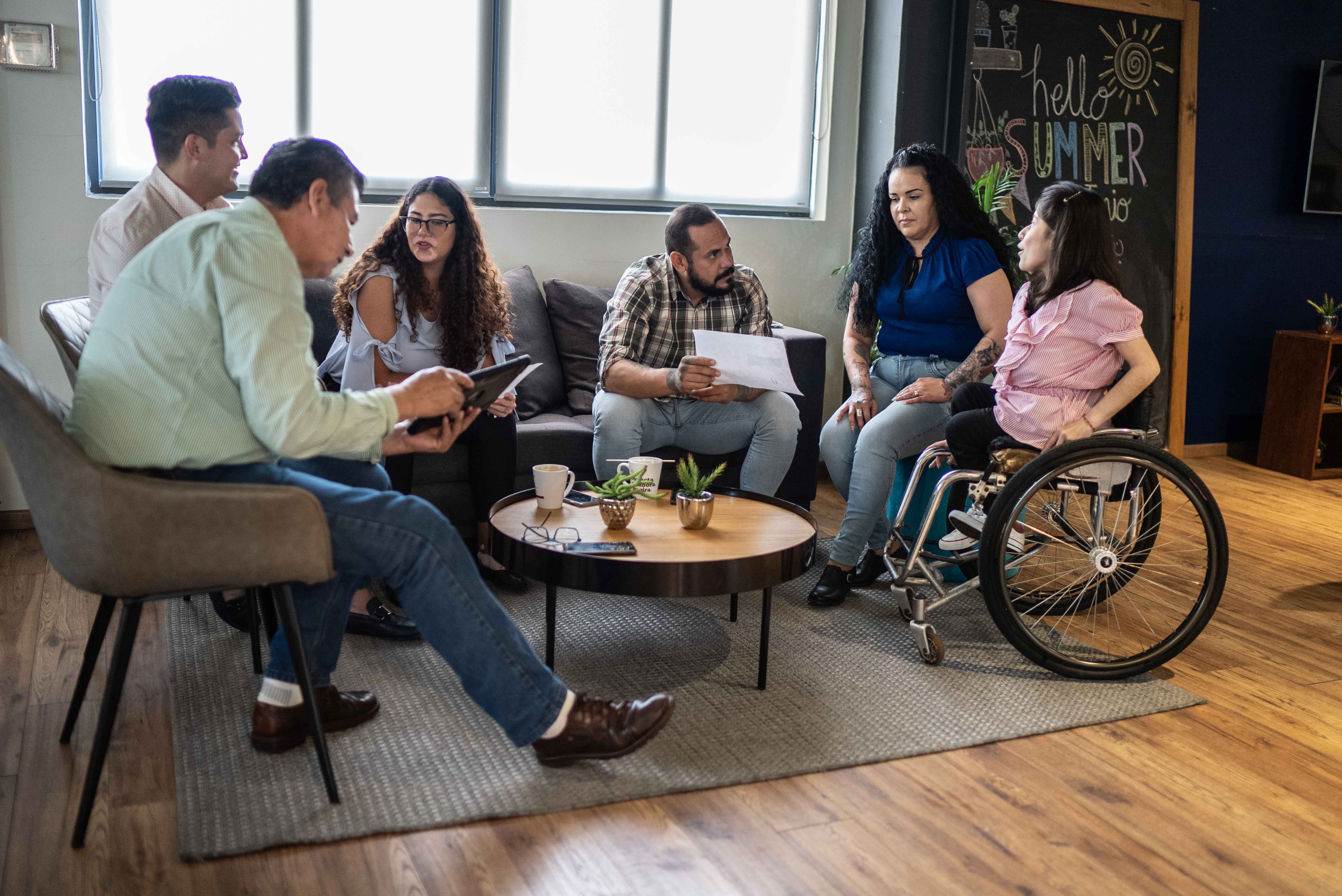
Severely sight impaired screen reader user - Donald
Having lost most of his sight in his teens due to a genetic condition, Donald uses a screen reader to help him read web content. He has been using JAWS for about 8 years - it’s a screen reader, which converts text into speech so blind and partially sighted people can read web content.
Sight impaired screen magnifier user - Claudia
Claudia is partially sighted due to glaucoma and diabetes. Claudia’s setup at work includes ZoomText (software that lets you magnify what’s on screen), a large monitor and a high visibility keyboard. She has a similar setup at home and for her studies.
Physical or motor disabilities - Catherine
Catherine developed rheumatoid arthritis 10 years ago. Catherine uses a desktop computer and a keyboard with a wrist rest. She has programmed some shortcuts into her keyboard, and prefers those to her trackball mouse (which is painful to use after a while). Catherine has just tried out Dragon NaturallySpeaking (speech recognition software). She thinks it may work well for her.
Deaf or hard of hearing - Ashley
Ashely is currently unemployed, and started a catering course last year but the interpreter they provided wasn’t fully qualified and didn’t have much experience. He’s profoundly deaf and is fluent in British Sign Language (BSL). Ashley has an Android tablet, and loves being able to sign to his friends on video chat. He’s sharing his family’s laptop until he can afford his own.
Dyslexic students - Simon
Simon was diagnosed with dyslexia 2 years ago. He doesn’t mind people knowing he’s dyslexic, but he doesn’t really talk about it. Simon uses specialist dyslexia software which reads out documents and web pages for him, and helps him read and spell. The colour highlighting feature helps him mark the important bits when there’s a lot of writing.
Autistic students - Pawel
Pawel is 24 and lives with his mum and dad. He has Asperger’s, a condition on the autism spectrum that affects how he sees the world and interacts with people. Pawel is good with technology and can usually figure out how things work himself. He prefers to use apps because they’re simpler and less cluttered than websites. He struggles with face to face communication, but likes chatting to people in gaming communities online.
You can see that there is more to accessibility than you might first think. The personas are designed to demonstrate the range of different issues and barriers to entry that disabled people face. Take some time to reflect on these personas, focusing on the elements that surprised you most.
GDS has created online simulations that let you experience websites in the way that your disabled users may experience them. Try them out at the GDS Accessibility Personas website [opens in a new window].
Diverse needs