
Q7. What to Do when Your Digital Tool Does Not Work?
 LEARNING OUTCOME
By the end of this section, you will be able to plan backup strategies and stay flexible when technology fails.
 LISTEN
In the following podcast (6:18min), Judith Natulinda, Biology and Chemistry teacher from Nyakatonzi SS in Kasese introduces tips on what to do when your tool does not work. She reassures teachers that technical problems are normal. Listeners learn practical strategies to troubleshoot issues, use AI and peer support, and switch quickly to a backup plan. The podcast highlights preparation, flexibility, and confidence to keep learning going even when technology fails.
 WATCH
WATCH
Watch the following video (4.55 min) by The School of Life to learn more about why a plan B expands our sense of safety and spontaneity to try something new and reduces our sources of anxiety and despair.
For a mobile optimised view, click 'Watch on YouTube
 READ
READ
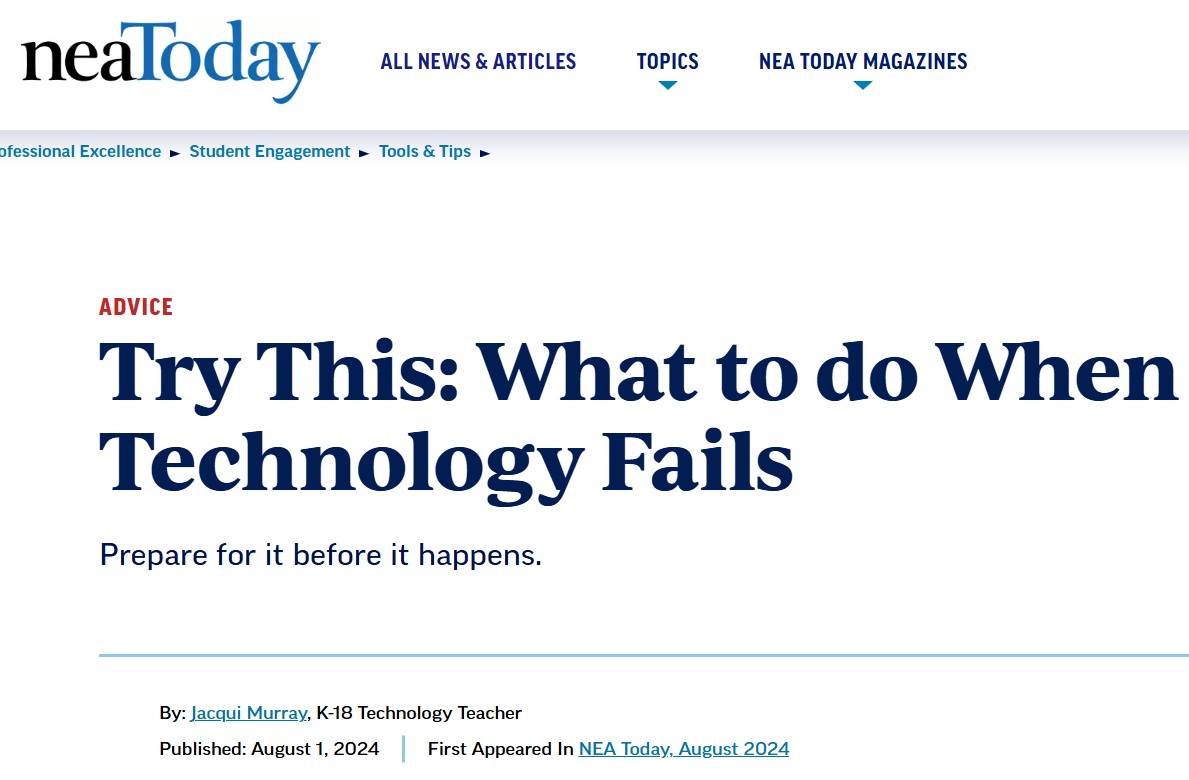
Consult the following article by Murray (2024) for tips and tricks on what to do if your technology fails in class.
 AI-INTEGRATION
How AI can support teachers when a digital tool does not work?
In what follows we give three examples of how AI can support teachers when a planned digital tool fails in class, helping them stay calm, flexible, and focused on learning.
👉🏾 AI as a quick backup planner
Example: “Ask AI to suggest a short pair-discussion activity or paper-based exercise using the same learning objective as my planned digital lesson.”
👉🏾 AI for on-the-spot explanations
Example: “Ask AI to explain a difficult concept using a contextualized example that learners in rural Uganda can understand.”
👉🏾 AI for reflection and confidence
Example: “Ask AI: What went well in my lesson despite the technology failure, and how can I prepare one low-tech backup for next time?”
Click Next to share your experiences on tech failures and learnt lessons with your fellow colleagues.