Q8. How to Share Digital Content With Learners?
 LEARNING OUTCOME
By the end of this section, you will be able to identify and use platforms or methods to distribute digital materials to your learners.
 LISTEN
In the following podcast (2.16min), Zake Bamwise, ICT teacher from Buyengo SS in Jinja district shares simple ways to organize and share digital learning materials efficiently. Listeners learn about the use of links, QR codes, bookmarks, and shared folders to keep resources accessible. The podcast stresses consistency in how materials are shared so learners always know where to find what they need.
 WATCH
WATCH
Watch the following video by Tony Vincent (2.34min) to get a demonstration on how to make a QR code to share digital learning content with learners.
For easier viewing on mobile, click ‘Watch on YouTube'.
 READ
READ
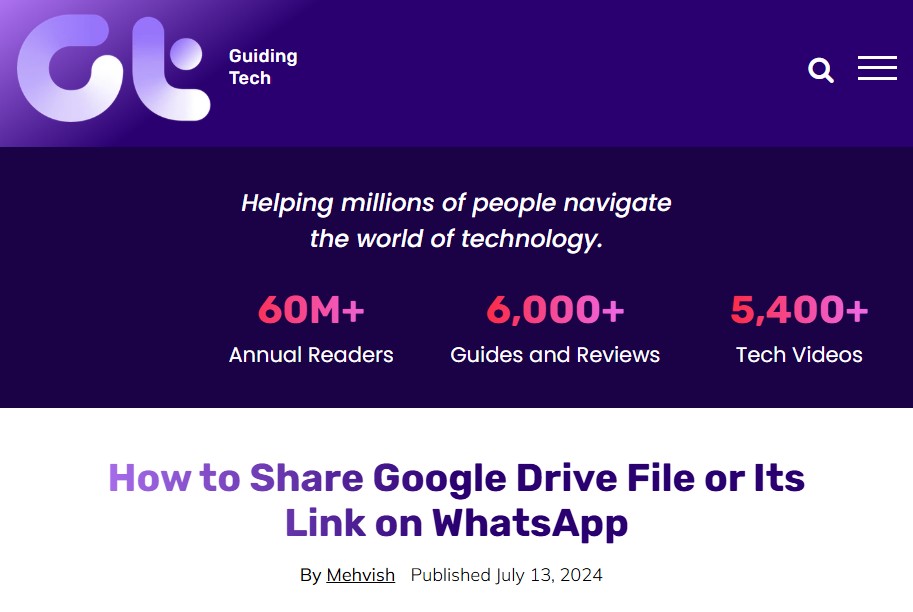
Read the following article by Mehvish (2024) shares a step by step guide on the use of Google Drive (see TEL 1.0) and WhatsApp for sharing Digital Content with Learners.
 AI-INTEGRATION
How can AI support teachers when sharing digital content in rural settings?
AI can help teachers plan practical, low-resource ways to share digital content when internet, devices, or electricity are limited.
👉🏾 AI for planning low-resource sharing strategies
Example: “Ask AI to suggest three ways to share this lesson with learners using WhatsApp, printed handouts, or shared phones.”
👉🏾 AI for choosing the right format
Example: “Ask AI which content format (PDF, images, short audio, or text) works best for learners with limited data and basic smartphones.”
👉🏾 AI for preparing offline or backup options
Example: “Ask AI to suggest an offline backup plan if learners cannot open links or download files during the lesson.”
Click Next to share how you currently share digital content with learners in low-resource settings and learn from the practices of your colleagues.